Free offline OSM maps for the mobile client
Offline out of the boxThe first mapping release (NodaLogic maps, part 1) used Yandex maps. They are great in every respect and also support offline work. But they are paid, and you need to jump through extra hoops: issue a key, pay for it, enter it into the app.
The new release adds Open Street Maps (OSM) — and they are offline-only from the start. Sure, it would have been possible to make them online and connect to free servers (again, a key is required) or stand up your own tile servers and connect to those… But then many of the advantages disappear. Why download extra traffic and worry about whether it will load in places with poor reception? These are maps, after all: a sales rep may want to look at them in a basement room, or a field crew technician in a rural area…
Compared to Yandex, the feature set is more modest. There is display of points and polylines, and event interception on the map (map click and object click). The API is the same as for Yandex — I said from the start that it would be unified, so for a developer there is no difference.
What is missing: no route plotting (it can display routes, but not plot them) and no geocoding/reverse geocoding. The idea is simple: the mobile client can show points, mark points and display routes, while route planning and geocoding are handled by other software on the server. That could be the same free services on OSM, Yandex, and so on.
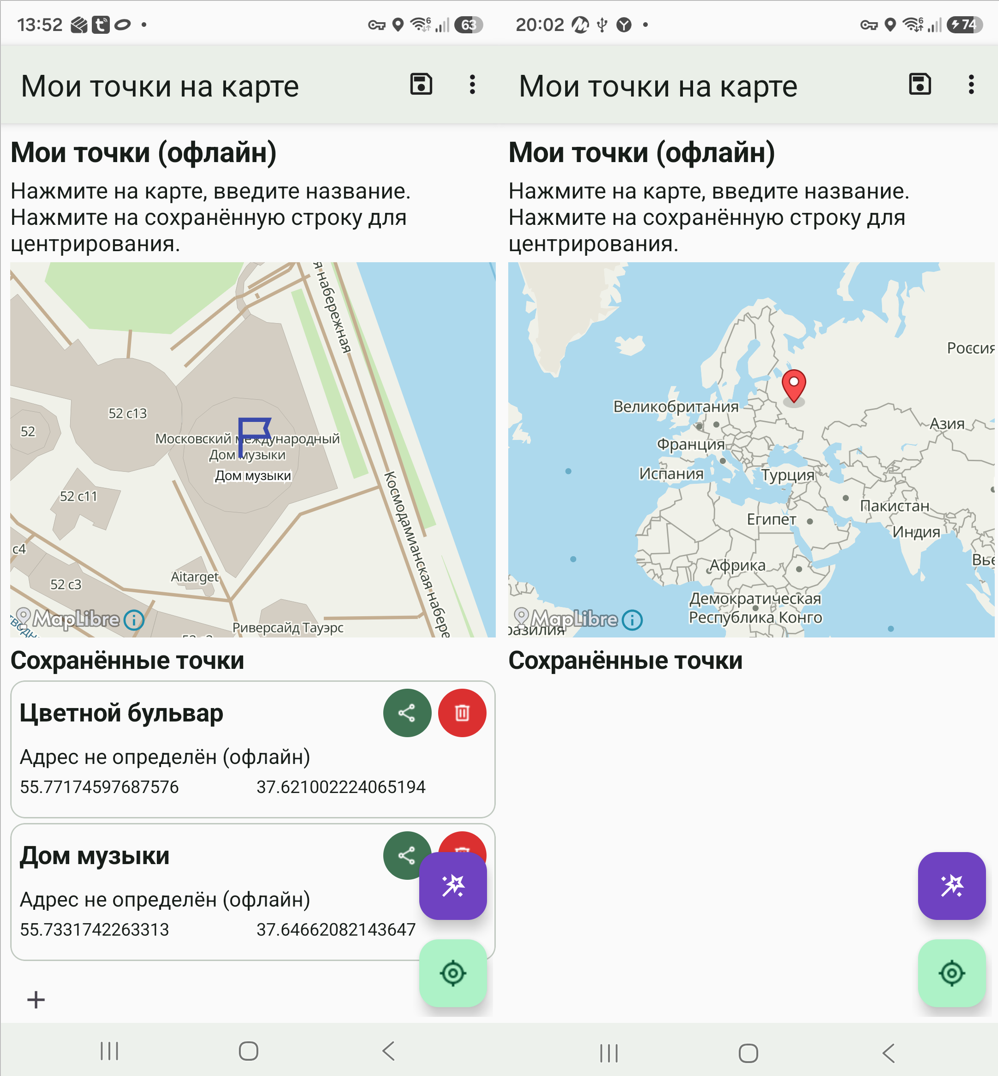
They certainly do not look like Yandex. A bit more angular, somehow. On the other hand, you no longer have to count your money if you have many mobile clients.
Using them is simple. Download a map and add it in the Offline maps / OSM section. NL can read raster MBTiles too (since it is built on MapLibre), but the main focus and usability are on vector MBTiles. A lot has been done here to make the platform omnivorous for maps from any vendor. The thing is, MBTiles is an SQL database of objects, and its formats are fairly loose. The NL client reads and renders any layers and objects; it has been tested on a variety of files.
Where to download and how to install?
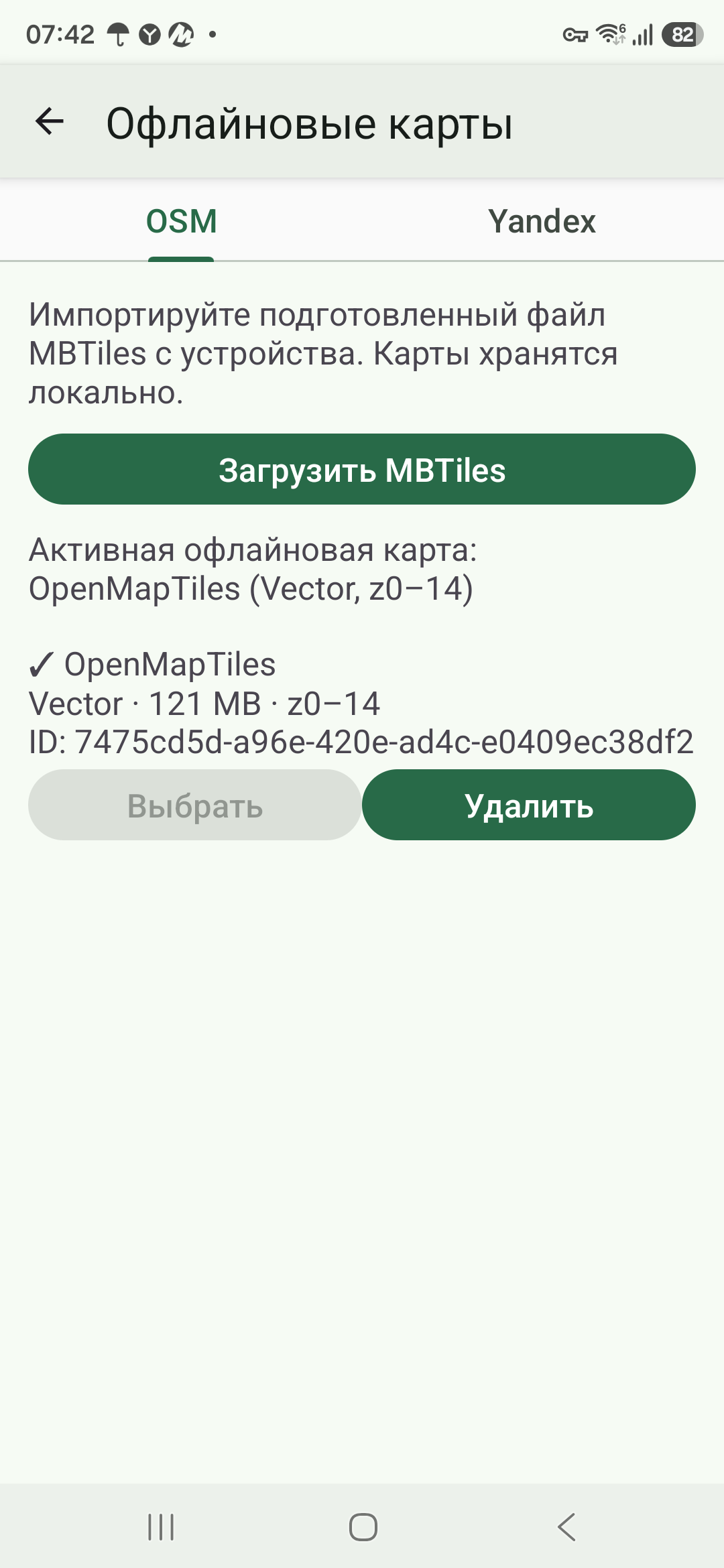
There is a very powerful site, osm2cdr.ru, where you can configure absolutely everything — layers, appearance, and so on. But either I was unlucky or it is a limitation of the service: you can download only a small piece, for example the Central Administrative Okrug in Moscow — it will not download more. Maybe you will have better luck.
And there is, for example, MapTiler. That one is spot on. There are no settings there, but it produces large files (I downloaded 240 MB), zoom up to 14. Moreover, it works like this: a selected area up to zoom 14 plus a world map (with the detail of a pack of Belomor cigarettes). They are exactly what is on the picture. And that is it — you add this file to offline maps and you have maps.
The demo configuration (analogous to the Yandex maps one) — OSMMap_Demo_offline_final.nod — is in Samples on GitHub.
and ask development questions on the developer forum https://t.me/nodalogic_dev
Comments
Comments are public; posting is available to registered NodaLogic users.